


How it works
Upload Hundreds of PDFs. Instantly rename files using invoice numbers, dates, or both—then customize further with additional data once your files are uploaded.



Upload Your PDFs
Drag and drop your files, or upload in bulk from your desktop or cloud storage.
We support hundreds of PDFs at once based on your plan—no fuss.
Files are encrypted in transit and automatically deleted after 7 days.

Let the AI Scan & Detect
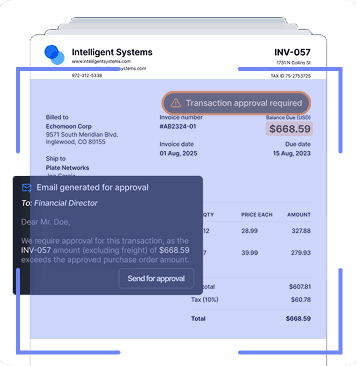
Renamie’s AI scans the content inside each PDF finding key data like:
- Invoice numbers
- Dates
- Client names
- PO numbers
- Case or job IDs
Start with a quick rename using invoice number or date, then refine filenames with additional details after your files are uploaded.
Preview Your New Filenames
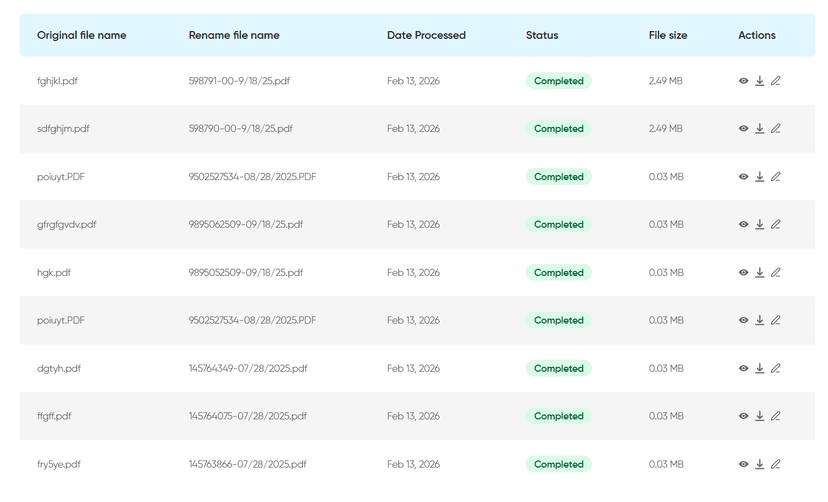
Before anything is finalized, you’ll see a preview list:
- Old name → New suggested name
- Any skipped or flagged files
- Option to make manual changes
Download and Done
Once you’re happy with the results:
- Download all renamed files in one zip file
- Use folders or tags to keep things extra clean

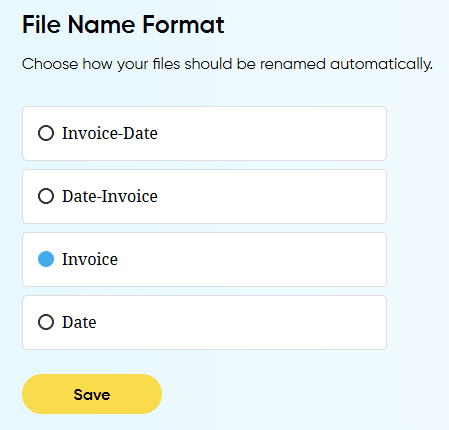
Save Templates for Next Time
You can save your custom renaming rules for future uploads—perfect for:
- Initial renaming logic
- Additional data that can be exported to a CSV file
- Data used for importing